
Fleet Visibility for Logistics Operators: Reducing Exceptions and Downtime
Every logistics day starts with a plan, but exceptions like late vehicles and unplanned stops cost time. See how fleet management helps you spot them sooner.

Every logistics day starts with a plan, and fleet management is how you check that the plan is being followed. Vehicles leave on time, follow the route, make their stops and come back. Then something changes. A vehicle runs late. A driver stops somewhere unplanned. A vehicle moves when it should be parked.
These moments are called exceptions. Each one costs time, and often a phone call to find out what is going on.
Fleet management gives you live visibility, so you can see exceptions as they happen instead of hearing about them later. This article explains what exceptions and downtime mean in logistics, how fleet management can help identify and address them, and what to ask before you choose a provider.
What is an exception in logistics?
An exception is anything that moves away from the plan. Common examples include:
● A vehicle running late or off its planned route
● A stop that was not planned, or one that runs too long
● A vehicle entering or leaving an area it should not
● The wrong driver, or unauthorised use of a vehicle
● Speeding or risky driving
Exceptions are normal in logistics. The real problem is finding out about them too late. Fleet management shortens that gap.
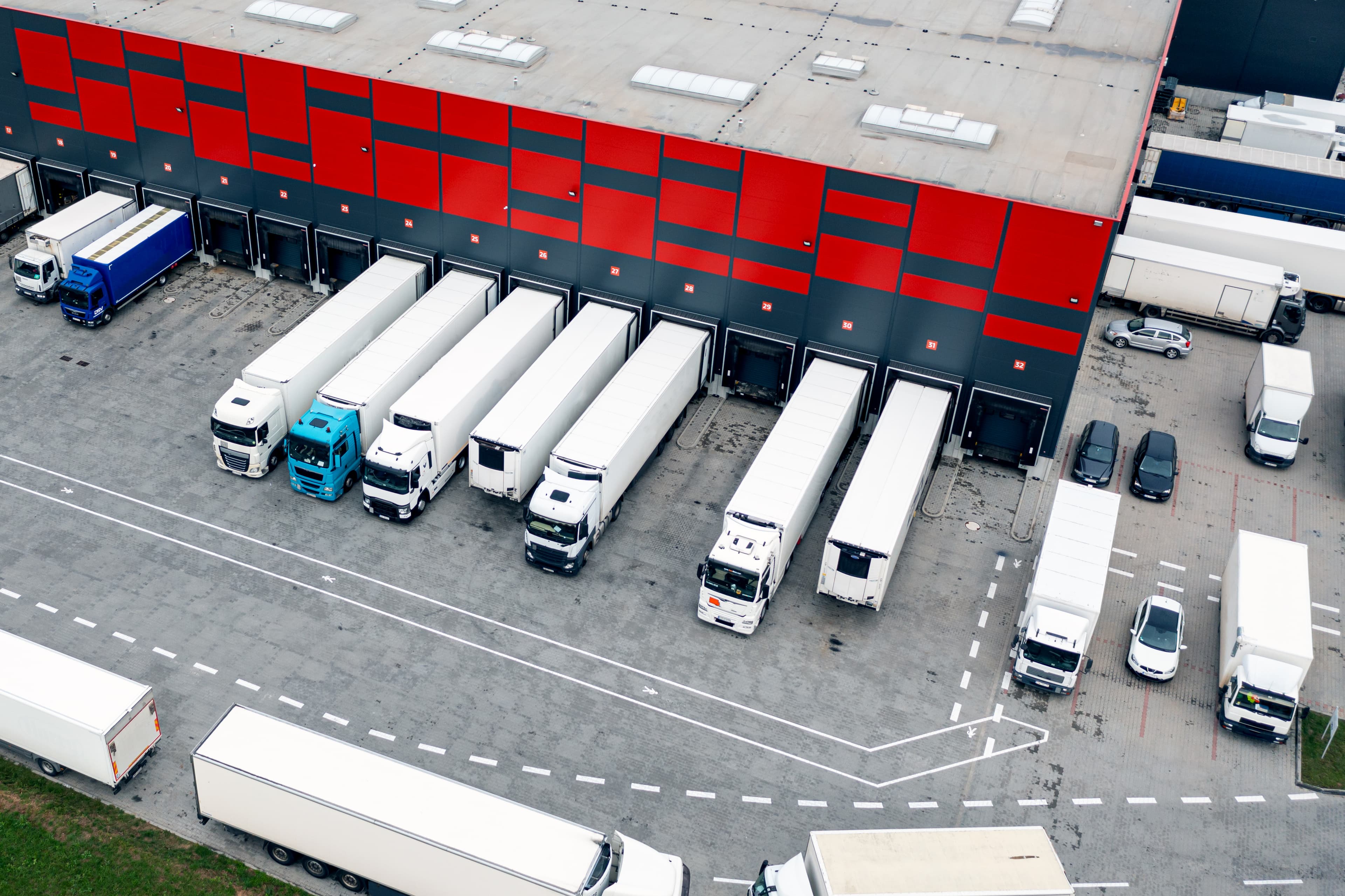
Aerial view of vehicles docked at the loading bays of a large warehouse.
What does downtime mean for a logistics operator?
In this article, downtime means time when a vehicle or driver is not moving freight as planned. That includes waiting, idling, and time lost because a problem was found too late. Selftrack also provides maintenance scheduling in its Fleet Management system - SelfFLEET, which helps you plan service times instead of being surprised by it.
Fleet management helps because it shows what is happening now. Your team can act sooner, and you have a record to learn from afterwards.
Five exceptions fleet tracking can help you catch
It starts with live vehicle tracking and a record of past trips, with alerts, reports and camera footage providing additional insight. Here are five common exceptions where these features can make a real difference:
1. Fleet management for late or off-route vehicles
Without fleet tracking, the only way to find a late vehicle is to call the driver. With a live map and status indicators, a dispatcher can see where each vehicle is right now. Trip history, with playback of past routes, shows the path it actually took. That makes it easier to update the customer and plan the next load.
2. Long stops and idling
Trip playback helps you check delivery stops and time on site. Reports on idle time show where vehicles sit with the engine running. Patterns appear quickly: the same site that always holds vehicles up, or a driver who idles often. That is the starting point for fixing the cause, whether it is a loading queue or a habit to coach.
3. Geofencing: vehicles entering or leaving set zones
Geofencing means drawing a virtual boundary on a map. You set zones, and you get an alert when a vehicle enters or leaves one. A zone could be a depot, a customer site or an area outside the agreed route. With geofencing, your team hears about a breach as it happens, not at the end of the day.
4. The wrong driver or unauthorised use
Driver tagging links each trip to a named driver. Selftrack's Driver Tag technology goes a step further: only drivers with their specifically assigned driver tags can operate a vehicle. That gives you accurate trip records and helps protect the vehicle from unauthorised use.
For movement outside working hours, customized movement alerts can be set up to alert of any unauthorised use.
5. Speeding and risky driving
Speed alerts tell you when a vehicle goes over a limit you set. Driver behaviour reports show patterns over time. For more detail, SelfCAM dashcams add fatigue and distraction alerts and short incident clips. You can use these for coaching based on real events.
Another point worth mentioning – Visibility is only possible if the tracking device keeps working. Battery and tamper alerts warn you about low battery, device tampering or disconnection attempts. This helps you stay informed and avoid losing track of a vehicle without warning.
A simple fleet management routine for handling exceptions
Alerts only help if someone acts on them. A simple routine keeps it manageable:
Decide what counts as an exception in your operation. How late is late? How long is a long stop?
Set alerts for those few things first. Too many alerts are ignored.
Give each alert an owner. Name who checks it and what they do next.
Review trip and idle-time reports every week. Look for repeat patterns, not one-off events.
Share what you learn with drivers and, where needed, with customers.
This turns fleet management from a map on a screen into a weekly habit your team can follow.
Also Read: Vehicle Tracking vs. Fleet Management: What Changes as a Fleet Grows?
What to ask before you choose a fleet management provider
Systems differ a lot between providers. Use these questions when you compare options:
● Which alerts can I set, and can I change them myself?
● Can I see past trips as well as live location?
● Can I link each trip to a named driver?
● What reports do I get on idle time and driver behaviour?
● Can I add cameras later if I need video evidence?
● What happens if a device loses power or is disconnected?
● Is installation included, and who does it?
● Who do I call if something goes wrong?
Use this same list for every provider you consider, including Selftrack.
Start with the exceptions that cost you most
You do not need to track everything on day one. Pick the two or three exceptions that cost your team the most time. Set up alerts for those and review them for a month. Then add more.
Fleet management works best when it fits the way your operation already runs. If you would like to talk through your routes, your vehicles and the exceptions that matter most to you, our team can help.