
What Video Telematics Records and How It Supports Driver Coaching
Video telematics shows what happened on the road, not just where the vehicle was. See what it records, which camera options exist and how the footage supports driver coaching.
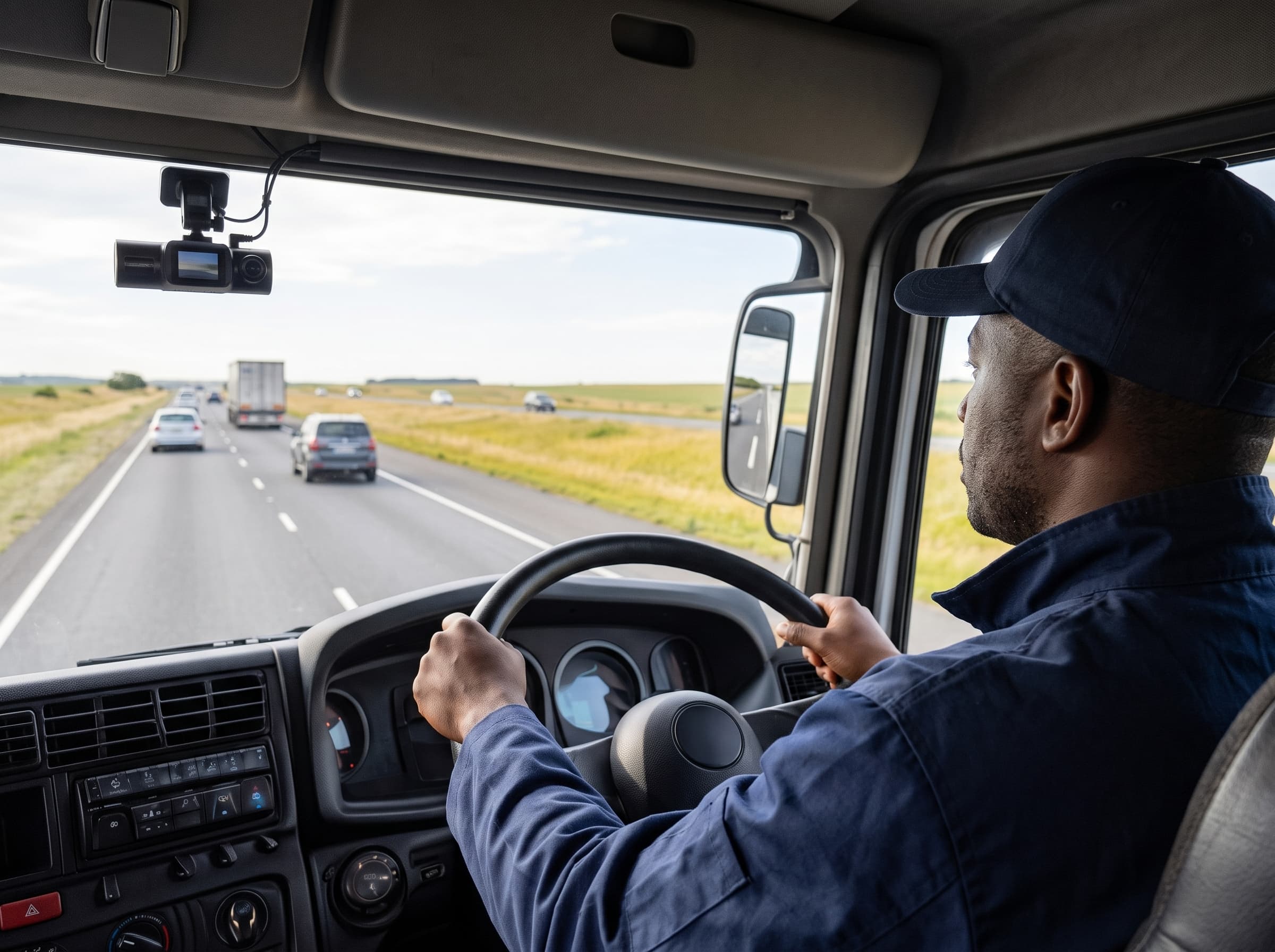
Video telematics adds cameras to vehicle tracking, so you can see what happened on the road and not just where the vehicle was. For fleets, it is also one of the most practical tools for driver coaching, because the footage shows real moments instead of guesses.
Picture a near miss on a delivery route. Your manager hears about it the next day. The driver says another car cut in front of him. Without video, you have two conflicting stories. With video, you can both watch the same clip and clarify everything.
This article follows that moment from start to finish: what video telematics records, which Selftrack camera fits your fleet, how to turn the clip into driver coaching, and what to settle on privacy before you switch it on.
What does video telematics record?
To settle a matter with two conflicting versions, you need more than a location pin. A video telematics system can capture:
Video from several views. Road-facing, driver-facing, cargo or interior, and rear and blind-spot cameras. The view you get can be customized and depends on where the cameras have been set up in and around the vehicle.
Position data. GPS data goes with the footage. With video data meta-tagged with GPS, the user can see what environment the vehicle was in from any specific date and time.
Impact events. The Basic Driver Recorder has a G-sensor incident lock which measures force changes and motion across multiple axes. If it feels a sudden jolt – like a crash or hard braking – it flags the moment. This flagged video clip is moved into a separate read-only or protected folder to prevent any accidental deleting.
Risk detection. AI detects risky driving events such as lane departure warning, forward collision warning, and headway monitoring warning, as well as unsafe driving behaviours such as unfastened seatbelt, using mobile phones, yawning, distraction and smoking.
Short incident clips. 15-second high-risk clips are sent to the web platform, and AI auto-tags events by severity and risk type.
Together, a video telematics system shows you the road, the driver, the place and how serious the event was.
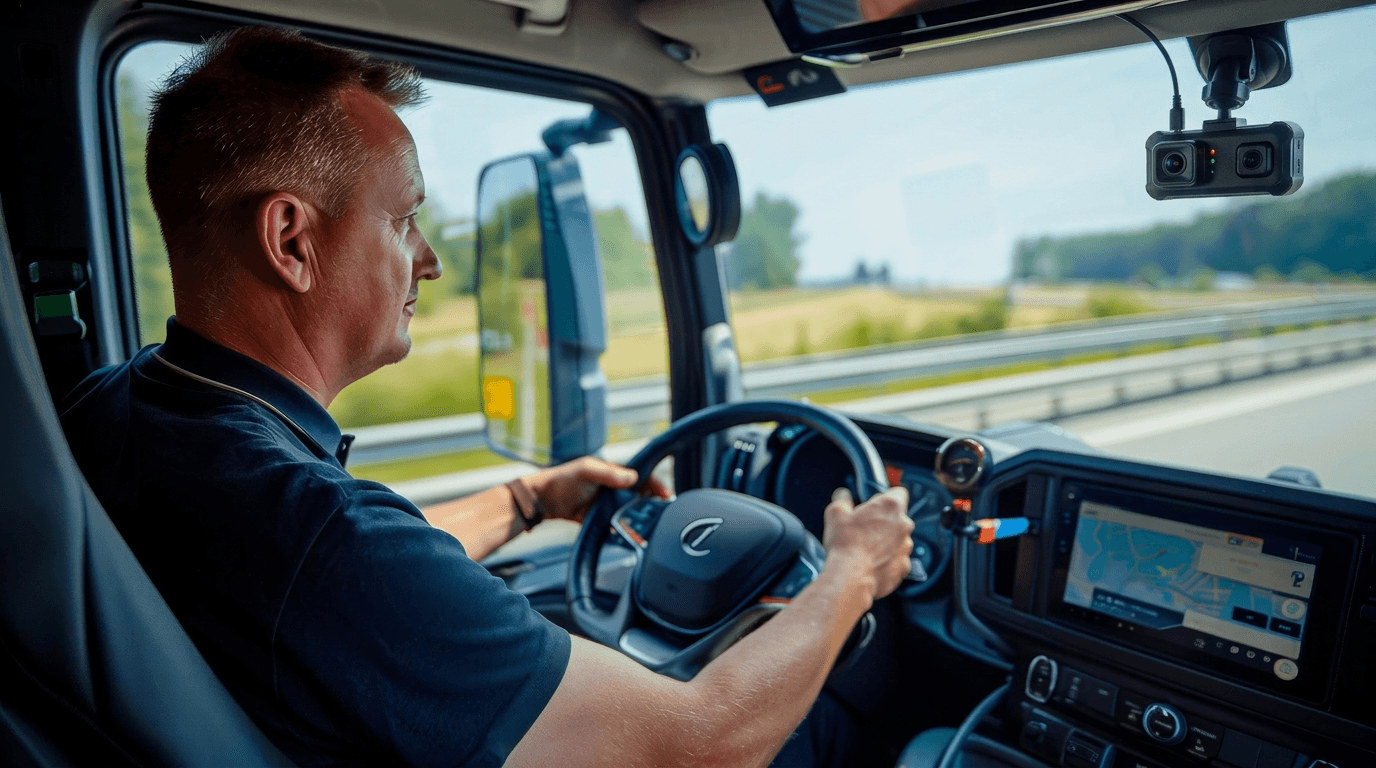
A dashcam gives video telematics the footage that driver coaching needs.
Does a dashcam record audio?
Some systems do, and some only offer two-way talk. Selftrack’s DashCam features a built-in MIC & Speaker with Echo & Noise cancelling Algorithm for two-way audio communication, so the control room and the driver can speak to each other.
Not every option records everything above, so the next step is to match the camera system to your fleet needs.
Which fleet camera option fits your operation?
Selftrack offers three levels of fleet camera. As you read through them, ask which of the views above you would need to settle a near miss like the scenario we started with.
Basic Driver Recorder
This is a simple fleet dashcam for essential recording. It has HD loop recordings, GPS data, G-sensor incident lock and secure SD card storage. It suits operations that mainly want evidence after an incident.
Live DashCam
This is Selftrack’s most popular option. It includes 4G live video streaming, two-way audio communication, remote footage downloads and cloud storage auto-upload, with cloud and SD card storage. Remote download means that after a near miss you can get the footage without the vehicle returning to the depot.
SMART MDVR Cameras
This is a full vehicle camera system for operations that need several camera views. It supports 4 to 8 cameras, AI DMS and ADAS detection, blind-spot side cameras, and secure HDD and SD storage. It combines external road-facing and internal driver-facing monitoring to prevent accidents in real time. The Advanced Driver Assistant System (ADAS) has a forward-facing camera which monitors the road ahead, detects forward collision risks, lane departures, unsafe tailgating distances and pedestrians. This system issues an instant audio/visual warning to the driver. The Driver Monitoring System (DMS) has a driver-facing camera which faces the operator using infrared technology. It tracks signs of driver fatigue, drowsiness, yawning and eye closure. It also detects distractions such as phone use, smoking, unfastened seatbelts or missing drivers.
Whichever option you choose, it is crucial to keep in mind that video telematics only improves safety when someone uses the footage. This is where driver coaching comes in.
How video telematics supports driver coaching
Back to the near miss. Most driver coaching runs on reports and memory. Video adds evidence which enables Managers to use actual footage to educate drivers, moving away from theoretical coaching to evidence-based performance reviews.
Review the serious events first
The AI sorts footage by severity and risk type. That lets a manager start with flagged high-risk clips like this one, instead of searching through everything.
Use video telematics to coach on real moments
Show the driver the clip. The footage shows what happened, and the GPS overlay shows where. Ask what the driver noticed first, then agree on what to change.
Driver distraction events, such as phone use or eyes off the road, give clear coaching topics. Driver fatigue events call for a different talk, about rest and schedules, and not about blame.
A simple weekly driver coaching routine
One clip is a good start. A routine makes it a habit:
Choose two or three behaviours to focus on, such as phone use or fatigue.
Each week, review the high-severity clips for those behaviours.
Meet the driver soon after and show the clip.
Agree on one change and write it down.
Check next week's clips.
Remember to recognise good driving too.
More than coaching
Video telematics can also be used when defending an Insurance claim, for theft prevention and to monitor safety compliance. Which of these you can use will depend on the cameras you choose and how you set up footage access. Because footage can be used in so many ways, you will need clear rules for how it is handled.
Also Read: Fleet Visibility for Logistics Operators: Reducing Exceptions and Downtime
Using video telematics responsibly
Showing a driver a clip only works if they trust how footage is used. Cameras that face drivers need clear rules, so settle the following points before you go live:
What is recorded, and when, including whether audio is.
Who can view footage and who cannot.
How long is the footage kept.
What the footage is used for. Decide the purposes in advance and stick to them.
Having a published Privacy Policy and a POPI Compliance Manual is a good starting point. Get your own legal advice on how POPIA applies to your fleet.
Is video telematics right for your fleet?
If a near miss on your routes would leave you with two conflicting stories and no evidence, video telematics is worth a closer look.
Start with the vehicles and routes where the risk is highest. Fit cameras to a few of them, run your coaching routine, and expand once it works.
If you would like to see the camera options in action, our team can show you.