
Switching Fleet Tracking Providers? Questions to Ask First
The map lags, the reports are thin and support never answers, but switching feels risky. Here are eight questions to ask first.
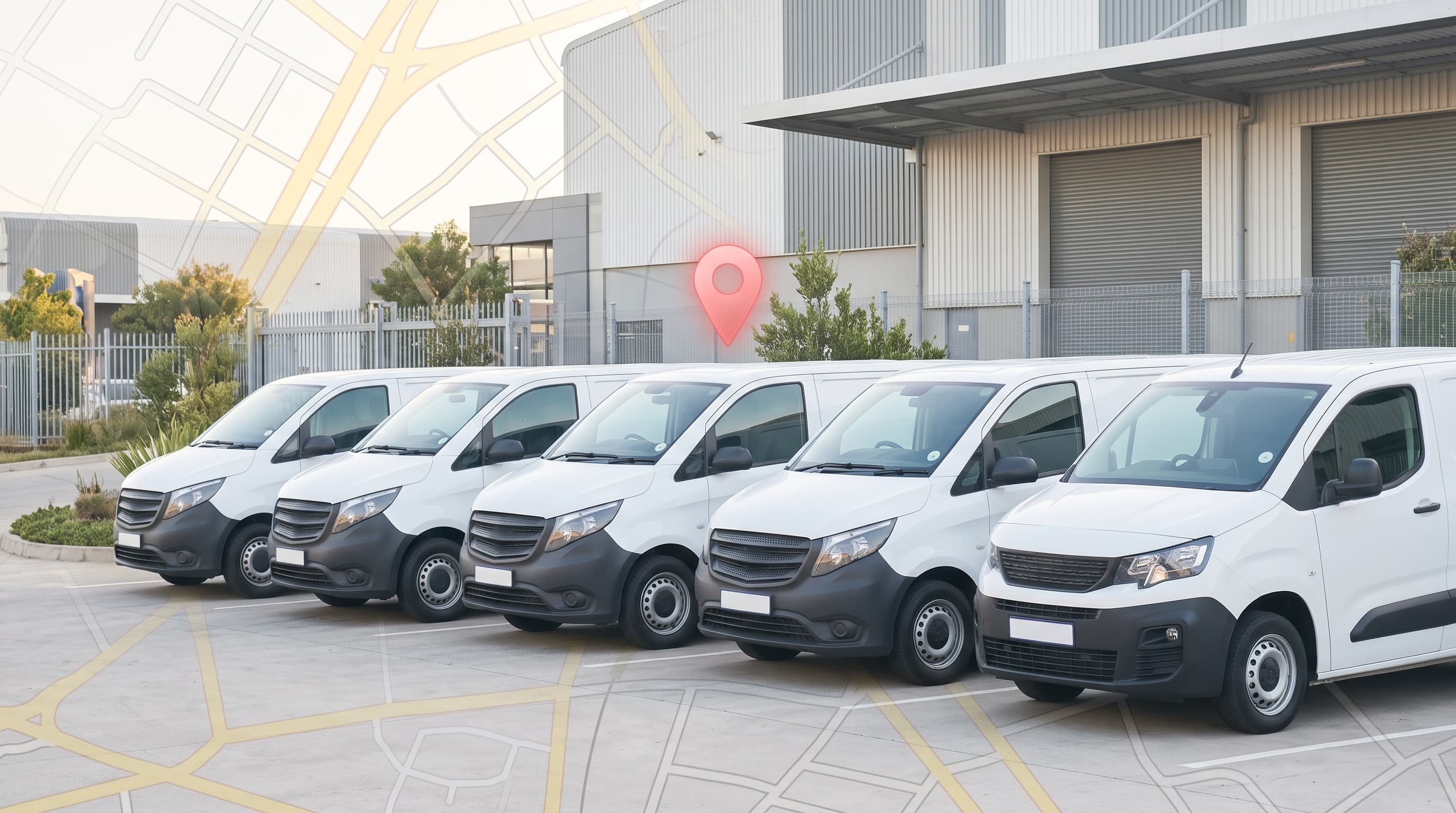
You pay for fleet tracking every month. Yet the map lags, the reports are thin, and when you call support, nobody picks up. You know it is time for a change. Then the doubts start.
What if tracking goes dark while the devices are swapped? What if you sign another contract you cannot leave? What if the new system turns out no better than the old one? These worries keep many businesses stuck with a provider they have outgrown.
The way out is to ask the right questions before you switch. This guide covers eight of them, in the order they come up. They apply to fleet tracking, whatever the size of your fleet, and they work for any provider you are comparing, including Selftrack.
First, a quick reminder of how fleet tracking works. A fleet tracking system installs a GPS device into each vehicle. With GPS fleet tracking, each device sends its location to a map you can open on a computer or phone via the Selftrack Platform of mobile App, so you can see where every vehicle is and what it is doing. Before the questions, check that it really is time to move.
Signs it is time to switch
A provider does not have to fail completely for a switch to make sense. Look for these signs:
• The map is out of date or lags. You cannot trust what you see.
• The reports do not answer your questions. You still need a spreadsheet to understand fuel, idle time, or driver habits.
• Support is hard to reach. Problems stay open for days.
• Alerts arrive late or not at all. You hear about trouble after the damage is done.
• The plan no longer fits. Your fleet has grown, but the system has not.
If two or more of these sound familiar, work through the questions below.

Fleet vehicles on a city highway interchange at night, each marked with a location pin.
Before you switch
1. Does fleet tracking suit a small business?
Fleet size is not the test. The test is whether you need to see where your vehicles are and how they are driven. Good fleet tracking for small business should start small and grow with you. Selftrack's range runs from a single vehicle to a large fleet. Whatever you run, ask any provider whether you would pay for features you will never use.
2. Am I tied to a long-term contract?
This question stops many people from switching, so ask it first. Find out how long the agreement runs, what it costs to leave, and whether your old provider's contract has ended. Get the answers in writing. A fleet tracking contract that locks you in for years is hard to escape if the service drops.
3. What will fleet tracking cost?
Selftrack does not publish a price list. You start with a quote through its Build Your Fleet Solution option. The cost will depend on how many vehicles you track and what each one needs, such as cameras or fuel monitoring. Ask what the quote includes: devices, fitting, the monthly fee, and support. Then compare like with like, because a fleet tracking cost that looks low can hide extra fees.
During the switch
4. How is the new system installed, and where?
Ask whether the provider fits the devices for you, where it can do this, and how long each vehicle is off the road. If your vehicles are spread across provinces, check that fitting is possible near them. Also ask whether you can fit devices yourself. Fleet tracking installation is the step that surprises people most, so get it clear early.
5. Will I lose tracking time or history when I change over?
Plan the change so that tracking never goes dark. Ask whether the new devices can go in before the old ones come out, so there is no gap. Ask what happens to your old trip history too, and export a copy before you cancel if you can.
After you switch
6. What alerts and reports will I get?
This is where a new system should beat the old one. Selftrack's fleet tracking gives you one real-time map, trip history you can replay, geofence zones, speed alerts, and battery and tamper alerts. Reports cover fuel use, idle time, and driver behaviour, and digital driver tags show who was behind the wheel. Ask every provider for the same list, and ask to see a real report before you sign. If you also want cameras, see video telematics. To understand where tracking ends and fleet management begins, read vehicle tracking vs. fleet management.
7. Can I use it from my phone?
Fleet managers are often away from a desk, so a phone app matters. Selftrack has apps on the App Store and Google Play. A good fleet tracking app should show your vehicles on a map and send alerts to your phone.
8. How do I get help when something goes wrong?
Slow support is a good reason to switch, so check it before you commit. During office hours (Mon – Fri, 7:30 – 16:30), the Selftrack Support team can be reached on 012 460 1495. Selftrack’s specialist Client Care can be contacted on 066 480 5375 after hours/weekends. Selftrack’s professional Recovery Team can also be reached directly on 0861 742 778 at any time, 24/7. You can also use live chat or email info@selftrack.co.za, with replies within 2 business days. Test any provider the same way before you sign: call, chat, and see how fast they answer.
Also read: Where Fleet Risk Hides in Security, Construction and Mining Operations
Choose with the answers in hand
Switching takes some effort, but the right questions take the fear out of it. Get clear answers on the contract, the cost, the installation, and the changeover. Then check the alerts, reports, app, and support. Choosing a fleet management system is much easier once you have these answers side by side. If a provider cannot answer clearly, keep looking.
To see what a full setup looks like, explore Selftrack's fleet management solutions, its industry solutions, and its business page.
Ready to talk it through? A Selftrack fleet specialist can answer these questions for your fleet and explain how the changeover would work.
Talk to a Fleet Specialist, or call Selftrack sales on 071 604 6133.